What a Mockup Is
We can say mockups are editable, realistic representations designed to simulate the details of a real product (size, shape, color, texture...). They are commonly used in Design and Advertising to visualize graphic artwork applied to a visually realistic product.

Artwork applied to an Energy Drink Can mockup
With
Mockups you can present your design in the best possible way, in just a few clicks - without any 3D work or photography.
You can create promotional images for a product before it even exists physically. It's an excellent, easy, and very accessible visual solution. Watch the video below to see how simple it is to use:
https://www.youtube.com/watch?v=C-0VPFNhrAc
Mockups are often used to protect a professional's artistic and intellectual work.
Because a
mockup presents shadows, lighting, and distortions over the created artwork, it becomes practically impossible to misuse that artwork.
How to use a mockup?
Changing a
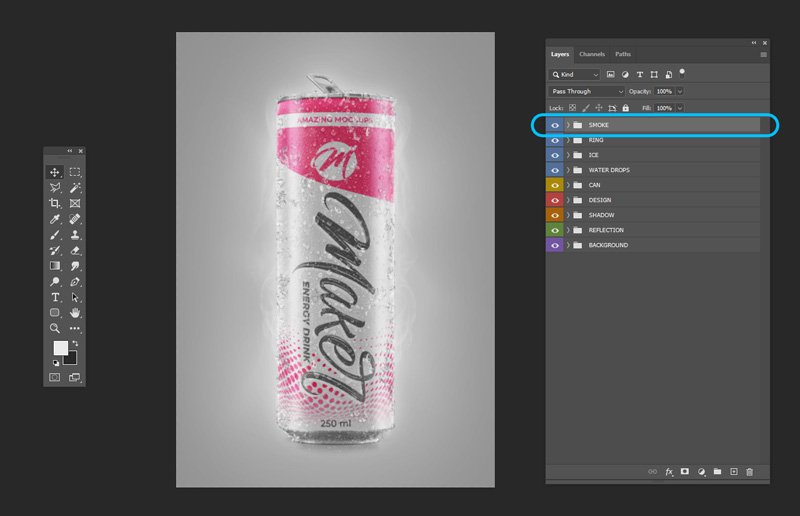
mockup or applying artwork is very simple. Below we'll show you the step-by-step process using our energy drink can
Mockup:
First, double-click on the "
YOUR DESIGN HERE" layer, which is a special layer called a
smart object.
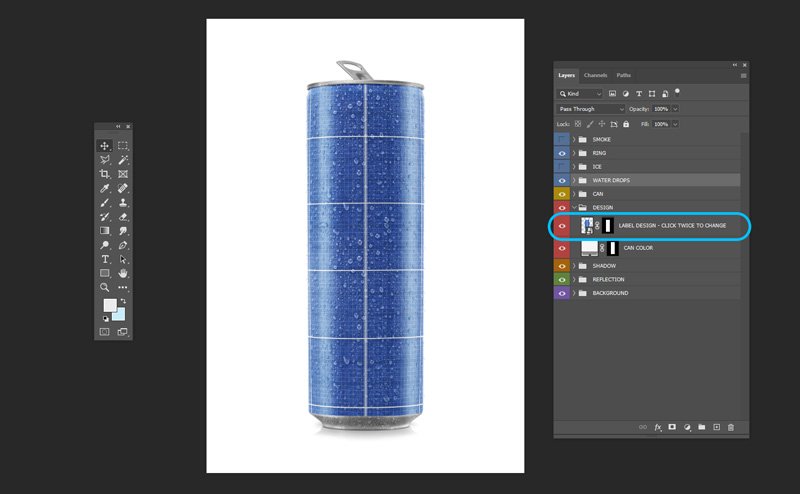
When the
smart object opens, insert your artwork/graphic piece, positioning it in the way that best reproduces the real measurements and proportions.
Then close and save the
smart object.

This
mockup has the option to add water drops to the can, so turn the "
WATER DROPS" folder on or off.
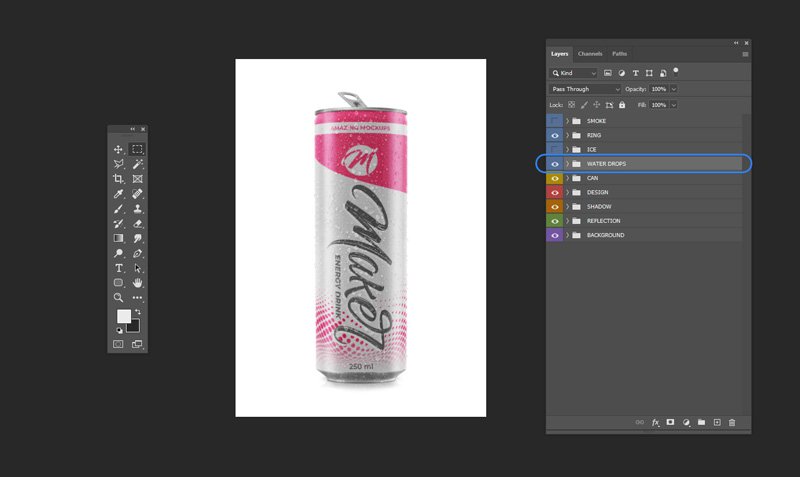
The same can be done with ice, but in this case you can paint exactly where you want the ice to appear on the can.
With a white brush, paint on the mask of the "
ICE MASK" folder wherever you want the ice on the can.
At this point we recommend choosing a background color and some of the highlights and lights available in the "
BACKGROUND" folder.
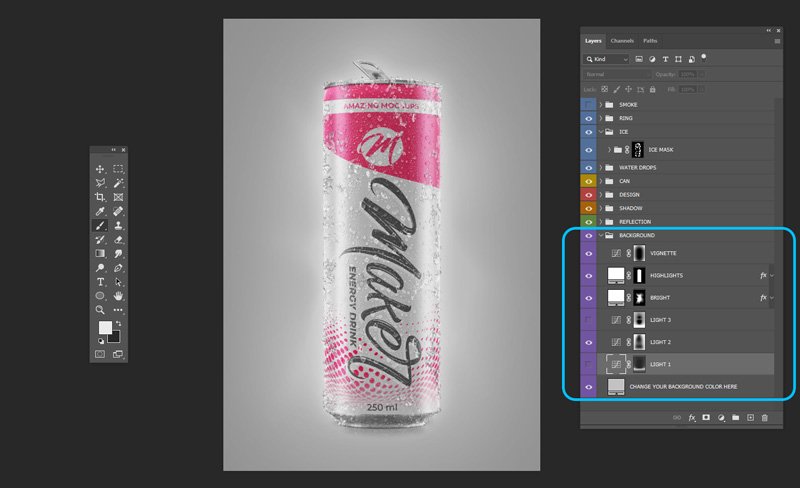
You can also add smoke - just turn on the "
SMOKE" folder (duplicate this group for a more intense effect).
Other mockup features
One of the most widely used
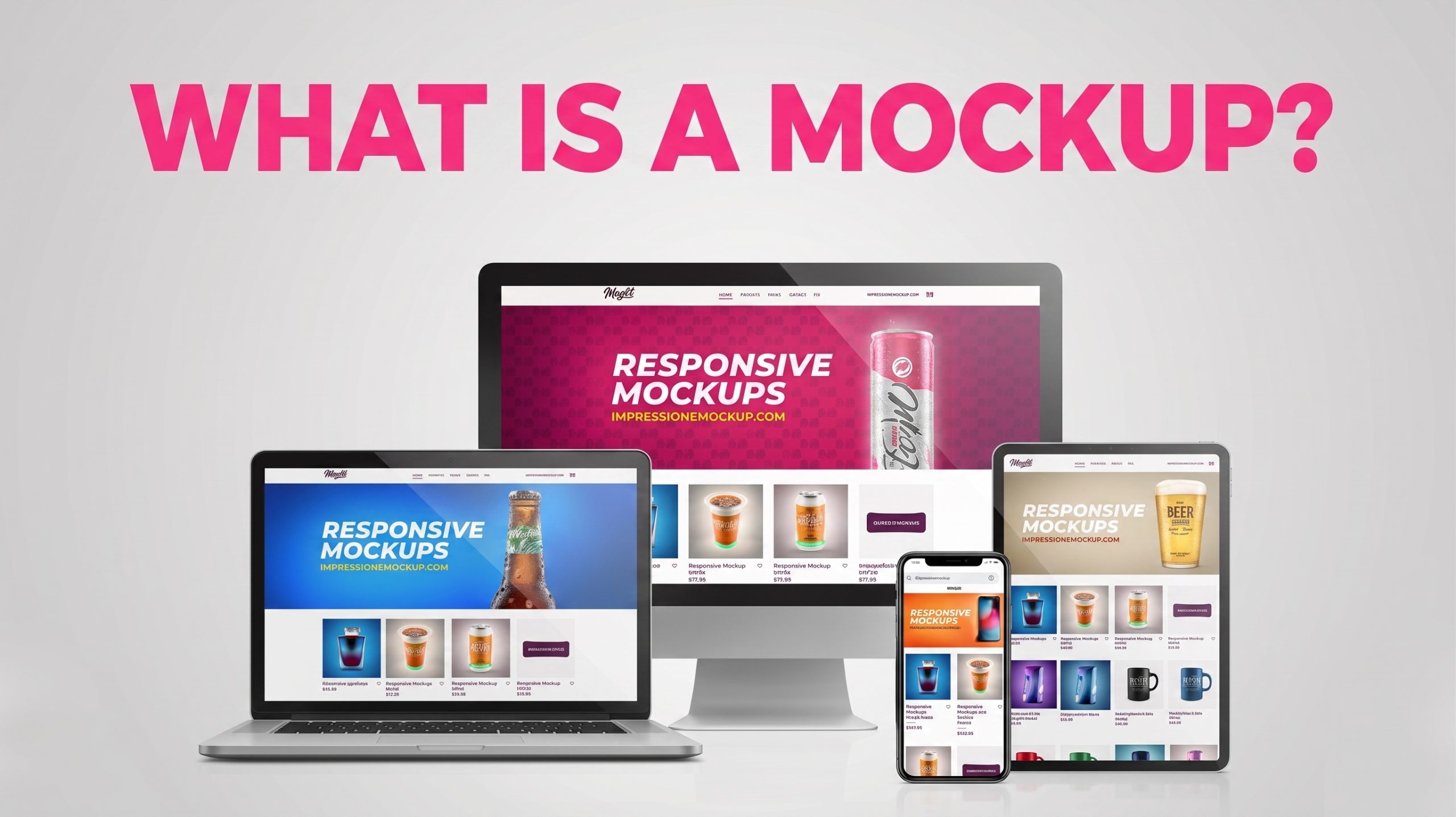
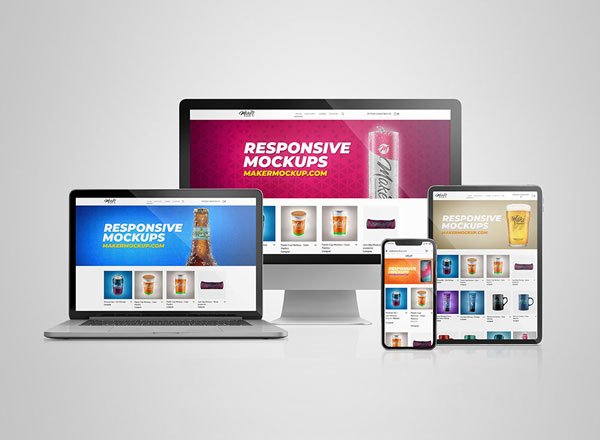
mockups is the responsive mockup.
These allow web designers to present their website and show how it will behave on various different devices.
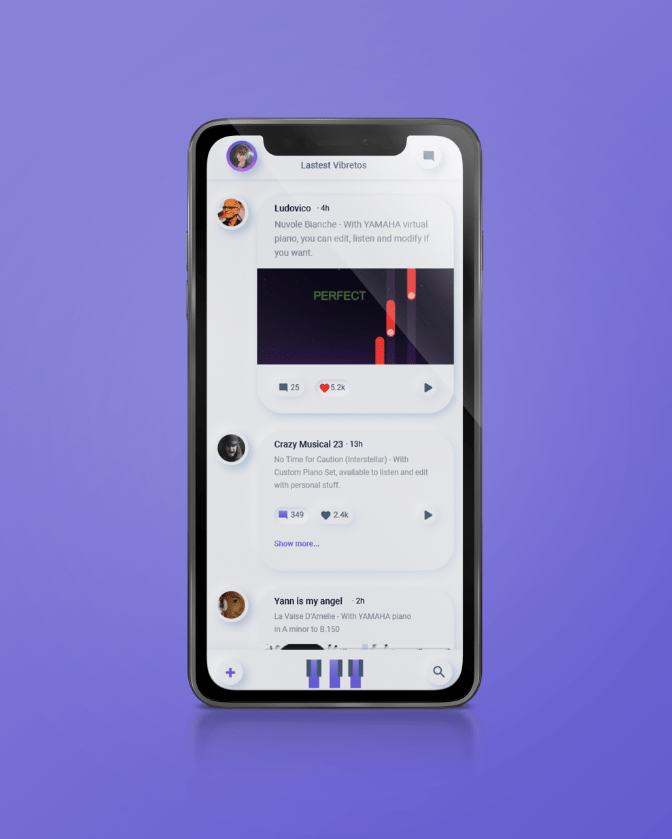
Similar to the example above is the use in mobile apps.
Many companies have their own apps, and with the help of a
mockup, they can efficiently showcase their app's features and benefits - for example with our
iPhone Mockup or the
Responsive Mockup.
We hope this article helped you.
To follow all of our work more closely, follow us on social media: @makermockup.